


The best single page apps aren't defined by the framework they use. They earn their place by delivering fast, app-like interactions that update interface views without full page reloads, while still handling first-load performance, deep links, accessibility and maintenance properly. A poorly structured SPA moves the waiting time into a large JavaScript download.
This roundup evaluates React, Vue.js, Angular, SvelteKit, Next.js, Nuxt and Remix as product and delivery choices. Each entry looks at its interface model, likely architecture, performance costs, team requirements and the decisions founders should make before development. The practical question isn't which framework is fashionable. It's whether the chosen rendering model fits the product.
An MPA requests and delivers separate documents, which keeps navigation and search discovery straightforward. An SPA loads an application shell and changes views in the browser, which suits repeat workflows and rich interaction. SSR renders initial content on the server, then adds client-side behaviour, creating a useful middle ground for search-led products.
That balance matters in the UK. Smartphones accounted for 61% of GOV.UK visits by December 2025, while GOV.UK recorded about 1 billion visits and 2.3 billion page views in 2025. Business of Apps' UK app market data puts those figures into the context of increasingly app-like public digital services. Teams moving from product strategy through UX, engineering, testing and support can also discuss an end-to-end route with London App Development.
1. React
React is the strongest general-purpose SPA foundation when a team wants flexibility, a broad hiring pool and control over its supporting stack. It's a JavaScript library from Meta built around component-based interfaces, hooks and reusable UI logic. React deliberately leaves routing, state management and data fetching open, so the team assembles an architecture that matches the product rather than accepting a fixed platform.
That flexibility works for an MVP that needs to evolve into a larger product. Teams can choose React Router, a state library such as Redux Toolkit or Zustand, and a data layer suited to the backend. Mature TypeScript support and established testing and build tooling reduce technical risk, while React Native provides a route to shared concepts across web and native mobile delivery. LAD's guide to React Native Android app development is relevant when a web product may later need a mobile companion.
Where React earns its place
React suits dashboards, collaboration tools, account areas and transactional products where users move repeatedly between related views. Its component model encourages teams to isolate behaviour, while hooks support state and lifecycle concerns without forcing a particular application structure.
The trade-off is decision load. Plain React doesn't provide routing, server rendering or a complete data architecture, so founders should budget for technical design rather than treating the library as the whole stack.
Practical rule: Choose React when you value composability and recruitment flexibility. Define routing, data ownership, caching and error handling before feature work expands.
Rendering performance depends on implementation. Excessive state at the top of the tree, unnecessary re-renders and oversized dependencies create a poor first load or sluggish interaction. React pairs well with Next.js when a product needs hybrid rendering, but using a full framework for a simple authenticated SPA can add concepts the team doesn't need.
2. Vue.js
Vue.js is a strong choice for small and medium-sized teams that want a productive SPA architecture without giving up room to scale. Its progressive design lets developers adopt the framework gradually, while Single-File Components keep template, logic and styling close together. The Composition API provides a structured way to organise reusable behaviour in larger applications.
Vue's Vite-powered development experience supports fast feedback and hot module replacement, and first-class TypeScript support helps teams introduce stricter contracts as the codebase grows. Vue Router handles navigation, while Pinia provides a focused state-management option. The result is a coherent stack that still leaves room for product-specific decisions.
Vue's main advantage is the balance between approachability and capability. A startup can build a focused product with a relatively small frontend team, then introduce composables, typed stores and clearer module boundaries as requirements become more demanding. The framework's conventions reduce the amount of ceremony around ordinary interface work.
The UK enterprise hiring market is somewhat smaller than React's, and teams still need to curate choices for state, server data, validation and component libraries. That isn't a technical weakness, but it affects recruitment, supplier selection and long-term ownership.
The delivery decision
Choose Vue when the team wants fast onboarding and a clear developer experience, especially for customer portals, internal tools and workflow-heavy products. Don't mistake a gentle learning curve for an automatic architecture. Define which data belongs in Pinia, which data is fetched per route, and which components are shared.
Front-end framework guidance from LAD provides wider context for comparing Vue with other implementation choices. Vue also supports a path towards Nuxt when the product later needs server rendering, static generation or more formal routing conventions.
3. Angular
Angular is the best fit for large teams that need a complete, opinionated platform and consistent engineering practices. Maintained by Google and built with TypeScript as its foundation, Angular includes the router, forms, HTTP tooling, dependency injection, CLI and testing support. Teams get fewer foundational decisions, which is valuable when several developers or squads must work within the same boundaries.
Angular's Signals model supports fine-grained reactivity, and its built-in tooling encourages teams to treat performance, typing and testing as standard delivery concerns rather than optional improvements. The framework suits complex administration systems, regulated workflows, enterprise portals and products with substantial form logic.
The cost is learning depth. Developers must understand Angular's conventions, dependency injection, templates, services, reactive patterns and build configuration. That initial investment pays off when the organisation needs a predictable structure, but it can slow a small team building a narrow MVP.
Control the platform surface
Angular's batteries-included approach doesn't remove architectural work. Teams still need to define domain boundaries, API contracts, authentication, permissions and state ownership. Built-in capabilities help prevent fragmented choices, but unused features and careless imports can contribute to a heavier initial bundle.
Use lazy loading, route-level boundaries and tree-shaking deliberately. Audit the production build rather than assuming the framework's defaults automatically produce an efficient application. Angular's structure is most valuable when the product will be maintained by a team, not when a founder needs a short-lived prototype with minimal ceremony.
Angular earns its place when consistency matters more than choosing every part of the frontend stack independently.
That distinction affects total delivery cost. A smaller team may ship faster with React or Vue, while a larger organisation may spend less time resolving competing conventions with Angular. The right decision follows team topology and product lifespan, not a generic framework ranking.
4. SvelteKit
SvelteKit suits teams that want concise component code, low client-side runtime overhead and a framework that supports both SPA and server-rendered delivery. It is the official application framework for Svelte, with file-based routing, data loading, adapters and deployment options. A team can start with a highly interactive client application, then use SSR or static generation when search discovery or initial content becomes more important.
Svelte's compilation model moves more work away from the browser runtime. That doesn't make every application fast by default, because asset size, data access, images and third-party scripts still matter, but it gives developers a lean foundation for interactive interfaces. SvelteKit's Vite-based workflow also supports quick local feedback and straightforward production builds.
Choose capability without locking the output
SvelteKit's adapters help teams target different hosting environments, and SPA mode remains available when server rendering isn't required. That flexibility makes it useful for products that combine public landing pages with authenticated workflows. A booking interface, operational dashboard or content-led service can use different rendering decisions without switching frontend ecosystems.
The principal delivery risk is organisational rather than technical. Svelte has a smaller UK hiring pool than React or Angular, and its ecosystem is narrower. Teams should confirm that they can recruit, onboard or retain maintainers before choosing it for a long-lived product.
LAD's overview of mobile app types helps frame a related decision. A web SPA may provide the right reach and deployment model, but a product that depends heavily on device capabilities, offline behaviour or app-store distribution might need a separate mobile strategy.
SvelteKit is compelling when performance-sensitive interaction and developer efficiency matter, provided the team accepts the narrower talent market and documents its conventions clearly.
5. Next.js
Next.js is the strongest option when a React product needs SPA-style navigation alongside server rendering, static generation or carefully controlled public pages. Created by Vercel, it adds routing, production builds, code splitting, image optimisation and hybrid rendering to the React ecosystem. Its client-side routing supports app-like transitions, while server and static capabilities help teams avoid treating every screen as browser-only content.
That combination works especially well for products with a public acquisition layer and a private application layer. Marketing pages, documentation, product listings and account journeys don't always need the same rendering approach. Next.js lets the architecture separate those requirements within one framework, although the team must understand where code executes and how data crosses server and client boundaries.
Don't use hybrid features by habit
The App Router introduces server components, client components and new data-fetching concepts. Those features are useful, but they add a learning curve beyond plain React. An SPA-only product may find Next.js heavier than a lightweight React router, particularly if it doesn't need server-rendered acquisition pages.
Teams should decide route by route whether content requires indexing, fast first paint, authenticated interaction or server-side data access. They also need a hosting plan. Vercel provides deep integration, but Next.js isn't limited to that platform, and the deployment model affects caching, observability and operating cost.
Read LAD's explanation of single page application development when defining the browser-side model, then test whether Next.js's added capabilities solve a real product requirement. For experimentation teams, Next.js experimentation with Otter A/B offers a relevant example of the framework in a testing context.
Next.js is a product choice for teams that expect rendering needs to vary. It isn't automatically the best answer for every React dashboard.
6. Nuxt v4
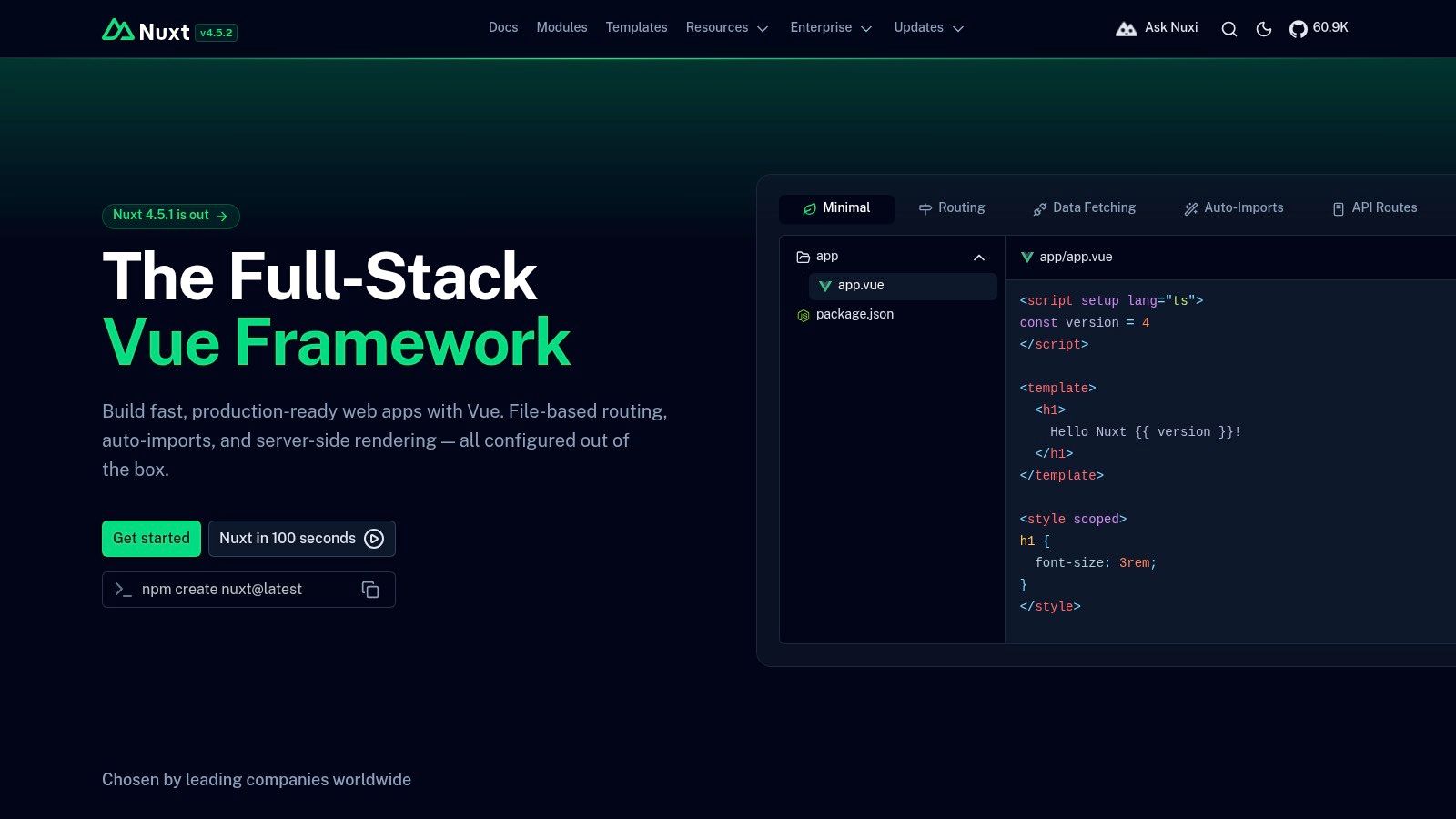
Nuxt v4 is the natural full-stack choice for Vue teams that need an SPA today and a route to SSR or SSG later. It provides file-based routing, modern data utilities, type safety, hybrid rendering modes and a broad module ecosystem. That convention reduces setup work for teams already comfortable with Vue, especially when the product includes both public pages and authenticated application screens.
Nuxt's value comes from the migration path. A team can ship an SPA for a logged-in service, then introduce server rendering for search-led pages or static generation for stable content without replacing the component model. UI libraries and modules also speed up scaffolding, but every module introduces another dependency to govern and update.
Treat conventions as an advantage
Nuxt works well for SaaS products, marketplaces, content-rich services and portals where route structure, data fetching and metadata need consistent treatment. Its conventions give a small team a usable default architecture, while Vue's Composition API keeps feature logic portable.
The trade-off is ecosystem and version management. The UK talent pool is smaller than React's, and major-version transitions can require code changes. Founders should ask who will own framework upgrades, module compatibility and deployment configuration after the initial build.
An SPA still needs reliable deep linking. Every important route must resolve when a user arrives from search, a shared link or a saved bookmark, and the server or hosting layer must return the correct application entry point. Client-side navigation alone doesn't solve that operational requirement.
Nuxt is a sensible selection when Vue expertise already exists and the product's rendering model will evolve. It offers more runway than a narrowly configured SPA, but that runway becomes valuable only when the team plans its use rather than enabling every available feature.
7. Remix
Remix is the best fit for teams that want SPA-like navigation while keeping route data, forms and mutations close to standard web behaviour. It uses route-centric loaders and actions, Fetch-based APIs and progressive enhancement to create a full-stack application model. The browser receives responsive transitions, while the server remains a clear home for data access and form processing.
This approach suits products with meaningful mutations, such as bookings, account changes, approvals, commerce flows and operational workflows. Instead of building a separate client-side abstraction for every form, teams can use web standards and let routes define the data they need. That often makes invalidation and error handling easier to reason about.
Put the route in charge
Remix's strongest architectural idea is ownership. A route can load its data, handle an action and define the UI that consumes both. That structure reduces the need for a global client state layer, although teams still need sensible boundaries for cross-route state, authentication and shared UI.
The ecosystem is smaller than Next.js's, and the React Router merger period has created movement in documentation and feature direction. Teams should pin versions, review current guidance and avoid assuming that an older tutorial represents the present framework model.
Remix also rewards teams that understand progressive enhancement. The application should remain usable when client-side JavaScript fails or loads late, particularly for forms and essential transactions. That discipline supports resilient UX, but it requires developers to think beyond an always-connected browser session.
Choose Remix when web platform fundamentals, route-level data ownership and effective mutations matter more than access to the largest possible framework ecosystem. Its model is especially attractive for service products where the difficult work happens in forms, permissions and server-side business rules.
Top 7 Single-Page App Frameworks Comparison
| Framework | Implementation complexity 🔄 | Resource requirements ⚡ | Expected outcomes 📊 | Ideal use cases ⭐ | Key advantages 💡 |
|---|---|---|---|---|---|
| React | Moderate, unopinionated, requires choosing routers/state | High, very large talent pool and ecosystem | Flexible results; scalable from MVP to enterprise | General-purpose SPAs, cross-platform (with React Native) | Massive ecosystem, mature TypeScript tooling, composable stacks |
| Vue.js | Low, approachable core; Composition API for scale | Medium, strong DX; smaller hiring pool vs React | Fast delivery and solid runtime performance | Small teams, startups, rapid prototyping, SPAs | Single-file components, Vite-powered dev, excellent developer experience |
| Angular | High, batteries‑included, opinionated architecture | High, needs experienced TypeScript/Angular devs | Consistent, maintainable large-scale apps | Large teams and enterprise SPAs needing conventions | Full platform (CLI, DI, router, testing), strong TypeScript ergonomics |
| SvelteKit | Low, concise paradigm; first‑party routing/data | Medium‑Low, smaller hiring pool; growing ecosystem | Excellent runtime performance; minimal overhead | Performance‑sensitive interactive apps and lightweight SPAs | Minimal runtime, clear syntax, great DX and fast builds |
| Next.js | Moderate, opinionated App Router; SSR/SSG concepts | High, React ecosystem + optional Vercel integration | Strong production readiness; hybrid rendering & optimization | React teams needing SSR/SSG + SPA features, enterprise sites | Hybrid rendering, image/perf tooling, robust production toolchain |
| Nuxt (v4) | Moderate, conventions and file-based routing simplify setup | Medium, Vue talent pool smaller than React's | Fast scaffolding and easy transition between SPA/SSR | Vue full-stack apps, SEO-focused sites, teams wanting conventions | Strong module ecosystem, type safety, easy SSR/SSG adoption |
| Remix | Moderate, route-centric, server-first patterns | Medium, smaller ecosystem than Next | Fast navigation, progressive enhancement, great forms UX | Standards-first apps, form-heavy workflows, progressive enhancement | Standards-based APIs, ergonomic routing/data loading, server-centric UX |
Choose the Rendering Model Before the Framework
Choose the rendering model before the framework because SPA, MPA and SSR solve different delivery problems. An SPA prioritises in-app transitions. It loads an application shell and updates views in the browser, which suits repeat, personalised workflows such as dashboards, messaging, account management and operational tools. The cost is a more demanding first load, more JavaScript execution and extra responsibility for deep links, loading states, error recovery and accessibility.
An MPA keeps page requests and document delivery straightforward. Each navigation returns a new document, which gives teams a simple failure model and a strong baseline for search-led pages. It often fits brochure sites, editorial content and services where pages are mostly independent. The trade-off is that repeated navigation may feel less fluid, and complex stateful interactions require careful server and client coordination.
SSR renders initial content on the server, then supports richer client interaction after hydration. It gives teams a practical route for products that need discoverable landing pages and app-like signed-in journeys. SSR isn't a universal performance shortcut. Server response time, hydration cost, caching, data dependencies and client bundle size still determine the experience.
Make the decision operational
Use this sequence before committing to React, Vue, Angular, SvelteKit, Next.js, Nuxt or Remix:
- Define discovery needs: Identify which routes need search visibility, shareable previews and fast first content.
- Map interaction complexity: Separate simple content pages from workflows involving saved preferences, repeat logins, forms and live updates.
- Select the smallest maintainable stack: Prefer the least complex option that meets the product's rendering, team and integration requirements.
- Plan measurement: Track real-user loading, route transitions, errors, abandoned forms and accessibility defects after launch.
- Test the difficult paths: Test direct deep links, slow networks, keyboard navigation, screen readers, expired sessions and failed API requests.
- Budget for support: Assign ownership for dependency updates, security fixes, browser changes, monitoring and product improvements.
UK teams should treat accessibility as a delivery requirement, not a final audit. Public-sector websites and mobile apps must meet accessibility standards and publish an accessibility statement under regulations that came into force on 23 September 2018, with GOV.UK guidance on making websites and apps accessible setting out a practical sequence of checking problems, planning fixes, publishing the statement and making new features accessible. Government services must comply with WCAG 2.2 AA, including labels for form controls and contrast ratios of 4.5:1 for normal text and 3:1 for large text, as described in GDS accessibility guidance.
Semantic structure matters in an SPA because changing views doesn't remove the need for meaningful document hierarchy. The Home Office accessibility standard requires semantic headings, at least one H1 per page, a cascade from H1 to H6, appropriate text equivalents for non-text content and unlocked orientation unless a restriction is essential. Even mature public apps document limitations. The GOV.UK ID Check accessibility statement records partial compliance with WCAG 2.2 AA, which is more useful than pretending complex products have no defects.
The UK mobile environment makes these choices especially practical. Apple and Google mobile browsers together account for around 90% of mobile browser supply in the UK, and at least 97% of mobile web browsing in the UK in 2020 used those engines, according to UK mobile browser data. That concentration makes Chromium and WebKit testing valuable, but it doesn't excuse testing assistive technologies, constrained devices or unreliable connections.
If your team is deciding between an SPA, MPA and SSR architecture, speak with London App Development about product strategy, UX/UI, frontend and backend engineering, integrations, QA, launch and ongoing maintenance. LAD works with startups, SMEs and enterprises on web applications and custom software, so the discussion can cover the rendering model and the complete delivery plan rather than a framework choice in isolation.